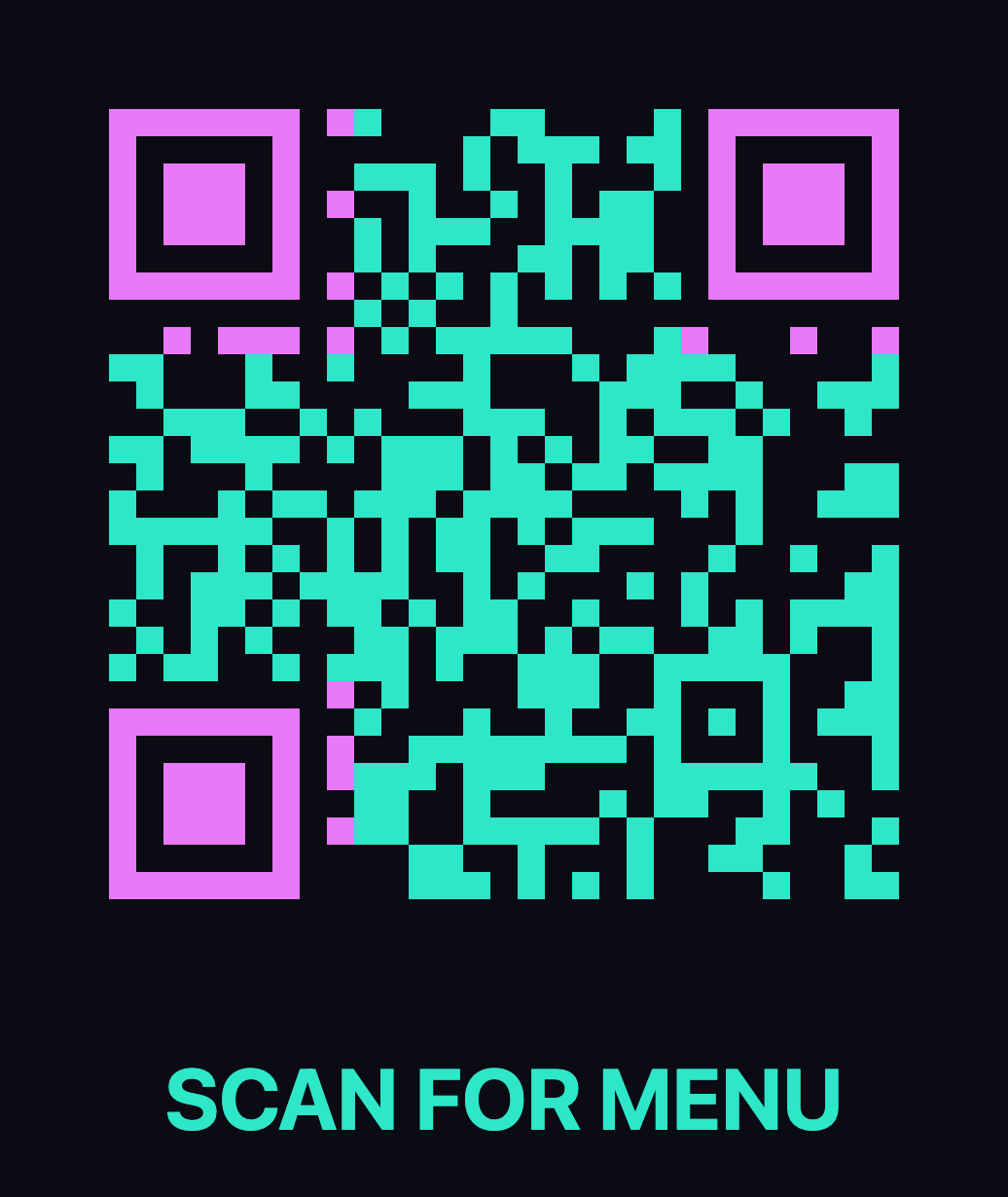
Add Text Under a QR Code
Put a caption under your QR code — "Scan me", your short URL, a date. The text sits outside the code and never affects scanning. Add an optional centered logo. Free, no signup.
Text below a QR code vs text inside it
These are two different tools. A caption below the code is a visible label people read before scanning. A plain-text QR code stores a message inside the pattern for the scanner to display after scanning.
Where captioned QR codes earn their keep
Table tents and counter cards
A bare code leaves people guessing. A short line — "Scan for the menu", "Scan to order" — sets a clear expectation before they scan.
Packaging and labels
Print the short URL under the code so customers who can't scan right now can still type it later. It also doubles as a visual check that the right code went on the right product.
Posters and flyers
Add the date, the venue or a call to action under the code. The caption prints in the same theme colors, so the whole design reads as one piece.
WiFi cards
"WiFi — scan to join" under the code beats a paragraph of instructions. Keep the caption short so it stays legible at small print sizes.
Why text under the code is safe
The caption is drawn below the code's quiet zone — the blank margin scanners need — so it never covers a single module. And because QRacade verifies the code itself (without the caption) with a real decoder before download, a design that breaks scanning can't slip through.
Frequently asked questions
How do I add text under a QR code?
Paste your link into QRacade, type your caption in the Text below the code field, and download the PNG. The caption is rendered under the code — outside the code and its quiet zone — in the same theme.
Does text under a QR code affect scanning?
No. The caption is drawn below the code and its quiet zone, so it never covers any module. On top of that, QRacade decodes the code itself with a real scanner library before your download unlocks — the verification always runs on the code without the caption.
What should I write under a QR code?
Tell people what the scan does: "Scan me", "Scan for the menu", your short URL, or a date. A bare code is a guess — one short line removes doubt and gets more scans. Keep it short so it stays legible at print size.
Can I add a logo as well?
Yes — tick "Add a logo in the center", upload your image and set its size with the slider. The logo stays inside the code's Level-H error-correction budget, and the final design is verified scannable before download.
Will my QR code expire?
No. QRacade makes static QR codes — your destination is encoded directly in the pattern, with no account, subscription or redirect service that could expire later.