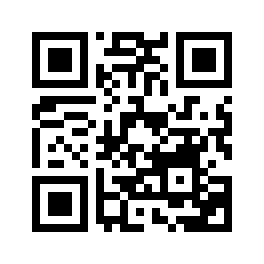
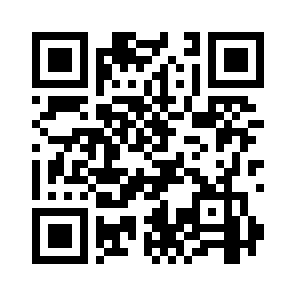
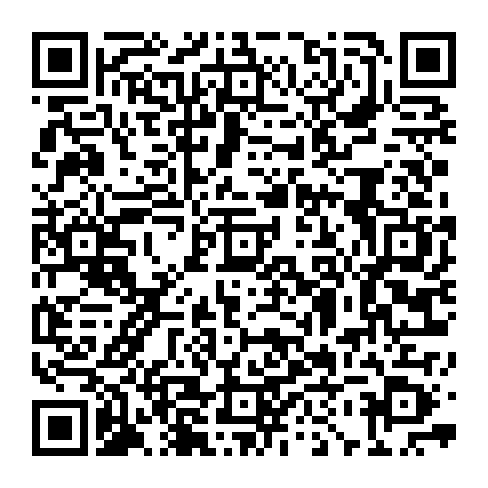
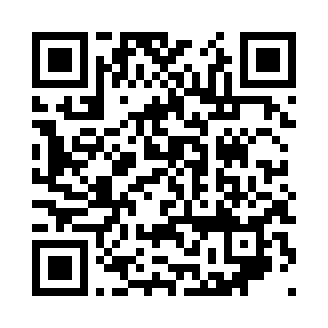
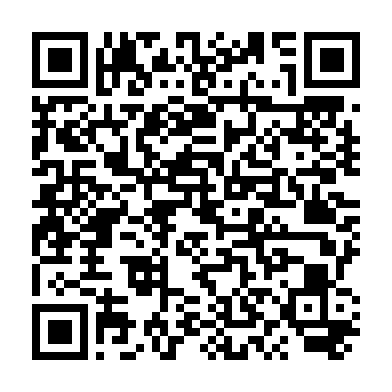
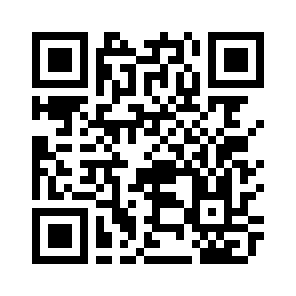
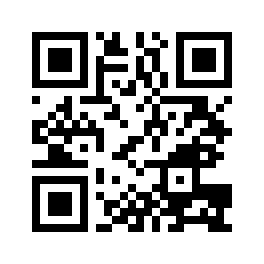
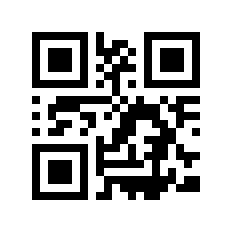
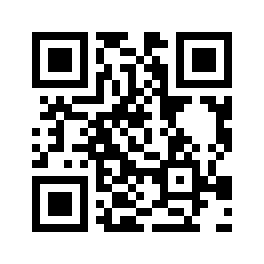
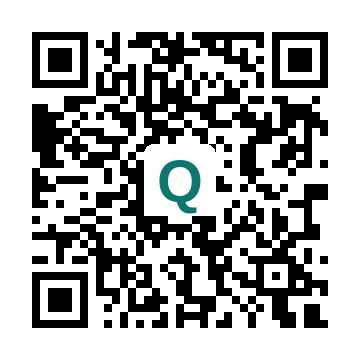
QR code examples: real codes you can scan
Ten working examples by type, plus what each one is best for and a direct link to make your own.
By the QRacade team · Published November 25, 2026
Which type should you use?
Start with the action you want: open a page (link), join a network (WiFi), save contact details (vCard), show a menu, start a message (email/SMS/WhatsApp), or place a call. Each type changes what the scanner offers after decoding. If you only need a short note, plain text is the smallest option.
For printed material, a static code is the safest default: it works without a server and does not expire. If the destination must change after printing, you need a dynamic code and a short-link service. See static vs dynamic QR codes.
How to make your own
- Pick the type above and open its generator.
- Enter the URL, WiFi details or contact information; add a logo or frame only if you need it.
- Download the PNG, then scan the exported file with a phone before printing. For print sizing, use the printing guide.
New to scanning? The how to scan a QR code guide covers iPhone, Android and screenshots. Need downloadable QR sample PNG files? Visit the QR code PNG generator and sample downloads, export true vector SVG/PDF/EPS files, or generate instant placeholders with the random QR code generator. To diagnose your own image, use the QR code test.
Frequently asked questions
Are these QR code examples free to use?
They are demos. Make your own free code with the linked generator; QRacade does not charge for static codes and does not add a watermark. The sample WiFi, vCard and phone codes use placeholder data, so replace them with your own details.
Can I scan the examples on this page?
Yes. Every code was generated as a static QR code and decoded before publishing. The WiFi, vCard, SMS and phone examples use sample data, so they demonstrate the format rather than connecting to a real account.
Which QR code type should I use?
Use link for a website, WiFi for a guest network, vCard for contact details, and menu for a restaurant menu. Email, SMS, WhatsApp and phone pre-fill those actions; plain text is for short notes or IDs.
What is the difference between static and animated QR codes?
Static encodes the data directly and never expires. Animated adds a moving character for screens and campaigns; QRacade verifies the underlying code before export. Static is safer for small print.
Do these QR codes expire?
The static examples do not expire by themselves. Dynamic codes depend on a redirect service and can stop if it ends. The destination website can also go offline.