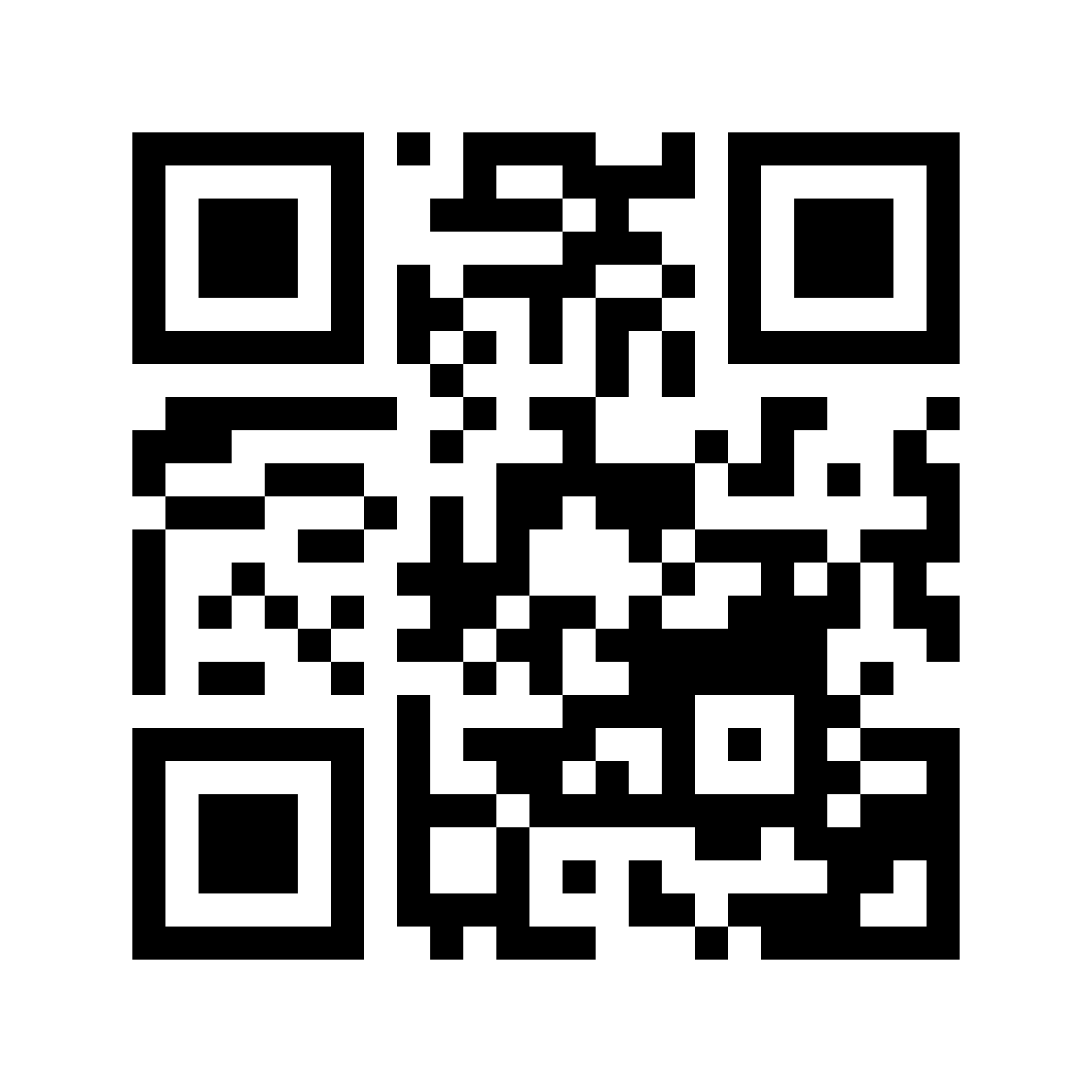
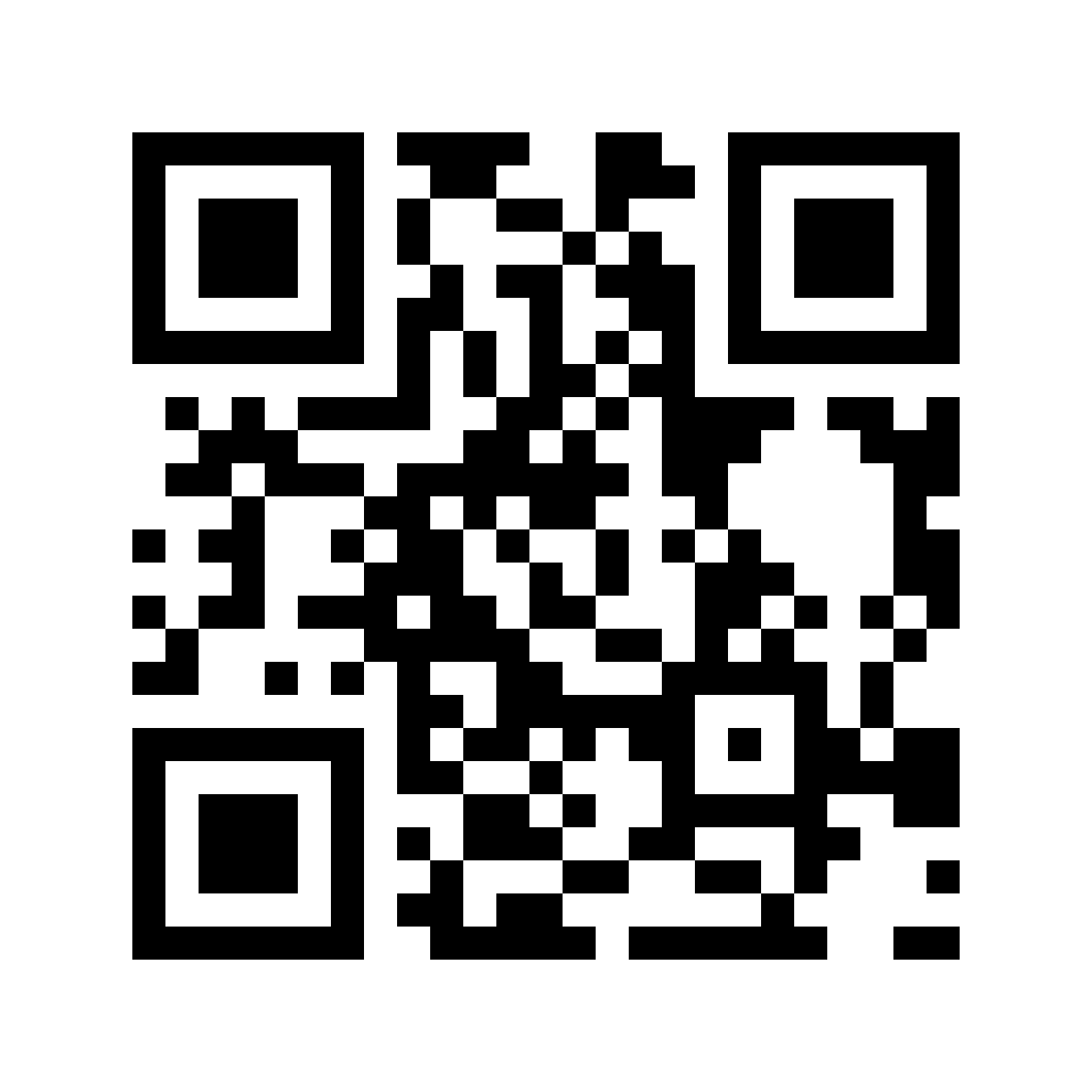
Real QR code PNG examples
These sample codes use public or placeholder content. Download one to test your scanner or layout, then create a code with your own content above.



Create a sharp, high-resolution PNG with your content and design. Every static export is decoded before download.
These sample codes use public or placeholder content. Download one to test your scanner or layout, then create a code with your own content above.
For print, calculate the pixel dimensions from the final physical size: pixels = inches × DPI. A 2-inch code at 300 DPI therefore needs about 600–1200 pixels across depending on layout margins. QRacade exports PNGs above 1000 pixels with crisp integer-scaled modules, giving clean headroom for cards, table tents and medium posters.
| Print width | At 300 DPI | Common placement |
|---|---|---|
| 1.0 in (25 mm) | 300 px | Business cards, small labels (short URLs only) |
| 2.0 in (50 mm) | 600 px | Table tents, flyers, packaging inserts |
| 4.0 in (100 mm) | 1200 px | A4/Letter handouts, window stickers |
| 8.0 in (200 mm) | 2400 px | Wall posters, trade-show banners (prefer SVG) |
Do not upscale a small downloaded image, and avoid converting your QR PNG to JPEG: lossy JPEG compression creates grey mosquito noise around black-and-white module edges that degrades scanning. Keep the file in lossless PNG or use true vector SVG for large signage.
PNG is a lossless raster format that works in websites, documents, slides and most design tools. SVG describes artwork as paths and can scale without raster resampling. QRacade also offers true vector QR exports for the clean code area; those exports use square modules, solid colors, a quiet zone and an optional caption.
The full decorative design can be exported through Image print, but an SVG wrapper containing a high-resolution image is not the same as every element being vector. Choose the export that matches the artwork you actually need.
If an existing image already looks soft, see how to fix a blurry QR code.
Yes. Static PNG generation and download are free, with no account or watermark.
Multiply the final width in inches by the print DPI. A 2-inch code at 300 DPI needs about 1200 pixels, followed by a real proof test.
Avoid it. Generate a fresh file at the required size or use an appropriate true vector export.
No. The current export retains the selected background and quiet zone to protect scanning contrast.
Use PNG for broad raster compatibility and SVG for resolution-independent workflows that accept vector artwork. Test either export.